In case you missed it, this is a continuation of Part I – Research & Planning.
De-rate main panel breaker
As part of a solar install, you often need to de-rate your main breaker. In simple terms, if you have a 200amp electrical panel, that means you have 200amp service coming from your electrical utility into your main panel, and your main breaker is also 200amps to ensure that the draw from your panel does not exceed that rated amount. But since adding solar to your main panel adds additional incoming amps, your total 200amp panel can now go above the 200amp coming from your utility. Per the electrical code there is a formula on how much over that 200amp you can go, but in short, I needed to change out my main breaker from the 200amp it was to a smaller 175amp breaker (or de-rated the 200amp breaker to 175amp). This allowed my main panel to also have at the bottom a 60amp breaker incoming from my solar inverter. So I now have 175amp from the utility possible and 60amp from the solar into my 200amp panel.
The process for this was calling the utility to schedule them to pull the meter (which cuts power coming into the 2 mains in your side of the panel). You are then safe to replace the main breaker.
You then do the work to remove the old breaker, and install the new breaker, tightening the bolts to the manufacturer’s torque value.
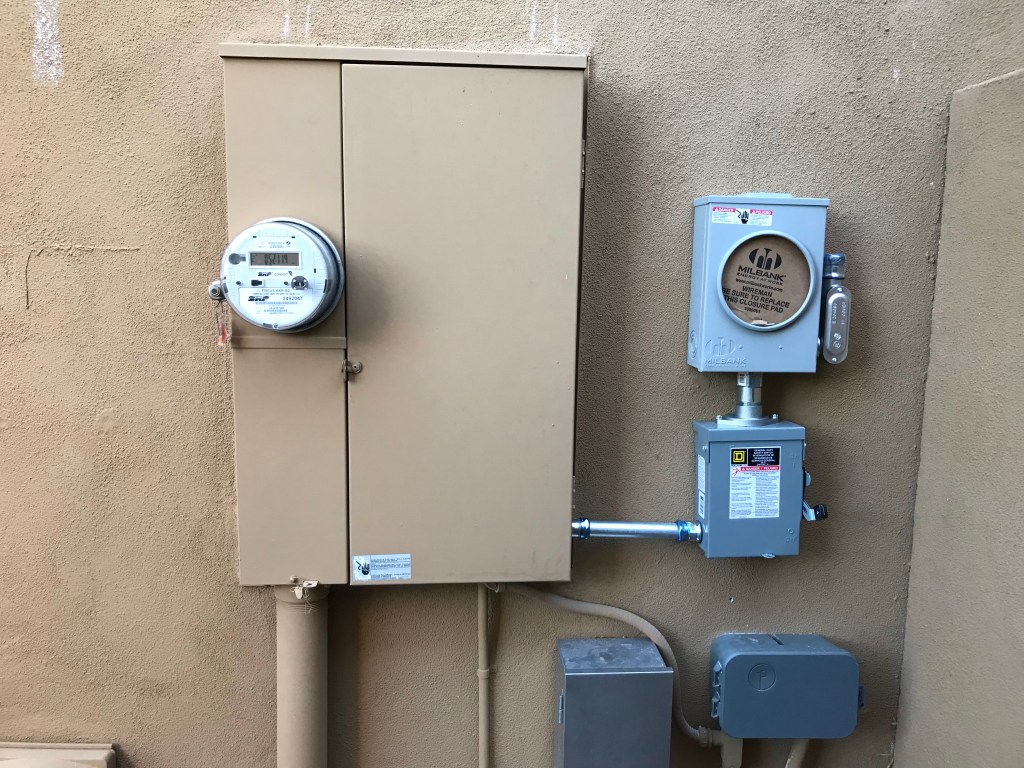
Then you need to have a city inspector come and certify that everything is to code, and then will place a sticker verifying that certification inside the panel. Then you have the utility come and re-install the meter into the main panel. This coordination took a few days to get correct, and would have been smoother had I known I needed to have the city inspect it up front.
While the power was cut-off, I also took the opportunity to install my 60amp solar breaker in the bottom right slots for when I was ready to wire it all into the main panel.
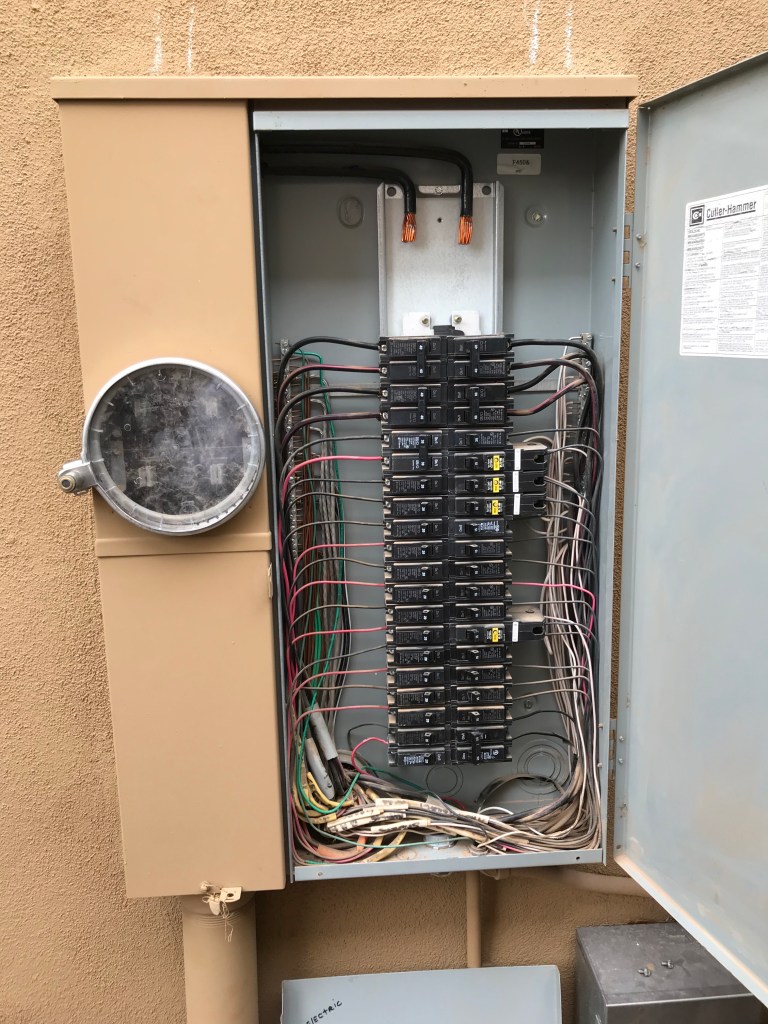
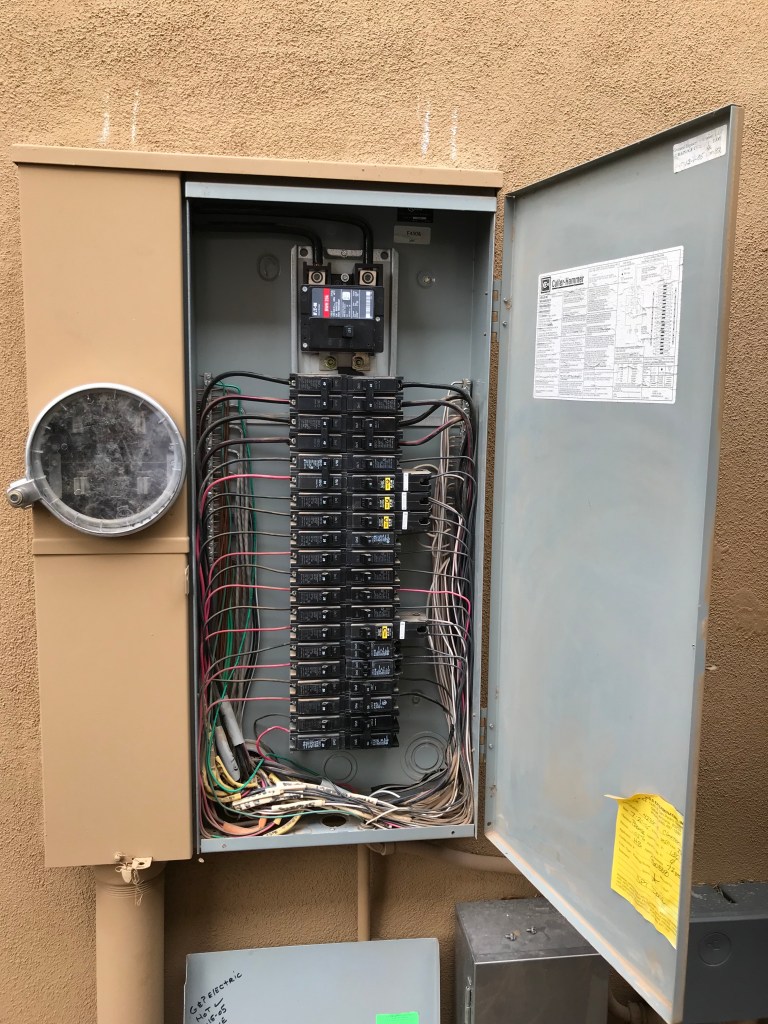
For my situation, I also hit a snag where I was able to get everything installed and torqued to spec in less than 15 minutes. But then when the inspector came and had me show him the bolts were at the spec’d torque value, the one main lag bolt stripped. So I then had to tell him I would call him later, and ran to Home Depot to get a stripped screw remover, they barely had one large enough. I was able to get it out though, and then was able to use one of the old breaker’s lag bolts to put it back in, and I only put it loosely on, and waited until the inspector was back before tightening to the final torque value, which then went great and he signed off on it. But that one little snag cost me nearly 4 hours of my first install day, not how I planned on spending it.
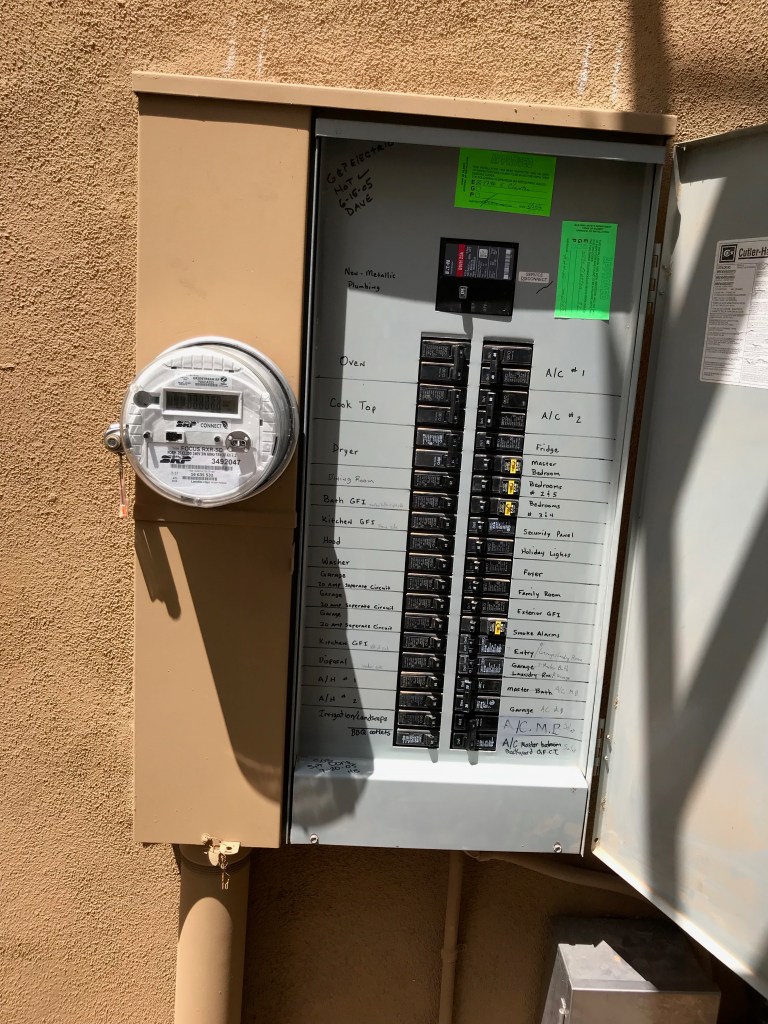
Main panel with certification sticker and meter re-installed
Install Timeline
The actual install process took me a little over a week. I planned on working on it in the morning and then return to work (I work from home) during the afternoons when it got to hot to be on the roof anyways. That way I only had to take half-days off of work to allow for the install. I did take one full day off during that first install week as well. I was usually up on the roof at 5-5:30am and would work until around noon, then work from noon to 4pm. I would then be back up on the roof until it got dark, around 7-8pm. Before starting this project I had never even stepped foot on a tile roof, and it scared me to death, but by the end I felt super comfortable up on the roof.
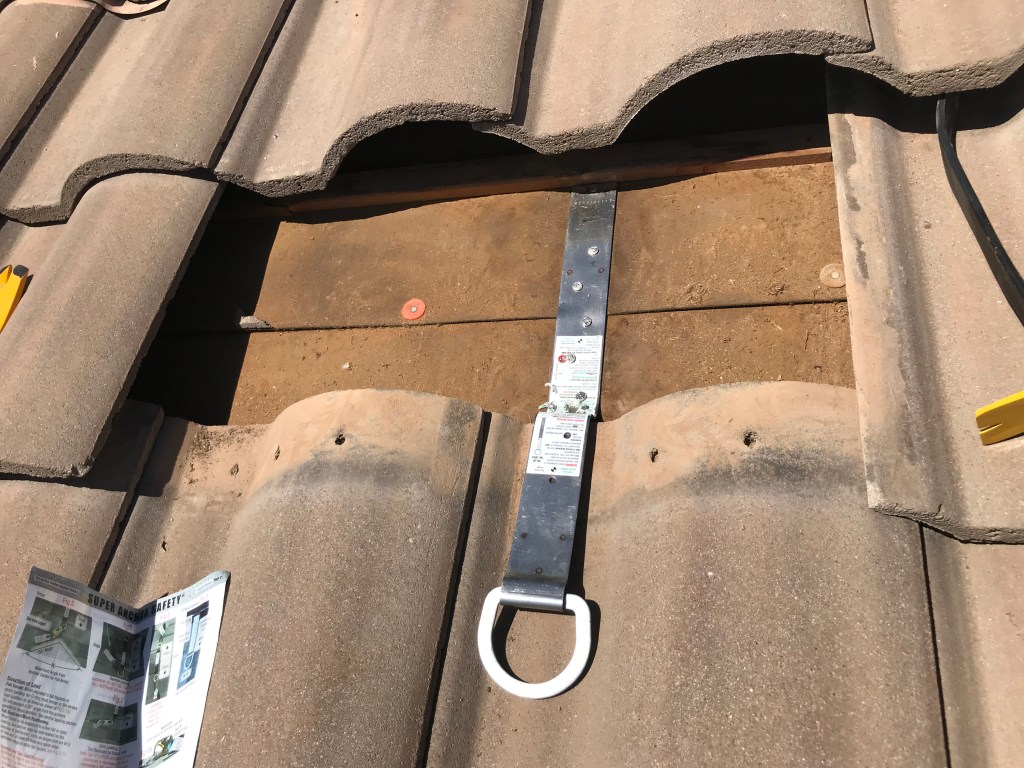
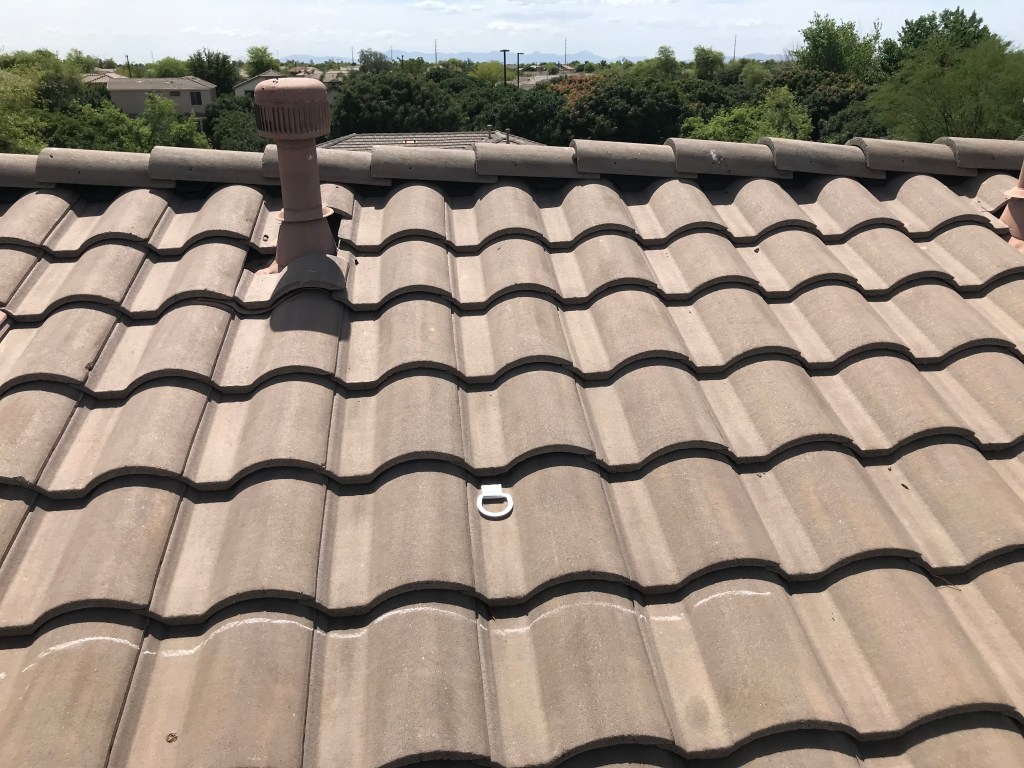
May 1 – Installed East side safety anchor (never used as this roof is super long, and the drop was a lot shorter than the West side)
May 2 – Installed sub-panel and opened conduit hole in main panel bottom
So I originally thought because my breaker box was full that I needed a sub-panel to expand it. But running into an electrician in the electrical isle in Home Depot he told me to just get some double 1/2 height breakers. So I did that in several places which saved me from having to use the sub-panel, which not only complicated things, but I also had no idea how I was going to get the conduit over that 4″ service conduit and into the bottom of the main panel in any kind of clean way. So that was a misstep I could have avoided, and a sub-panel I then had to eat the cost of.
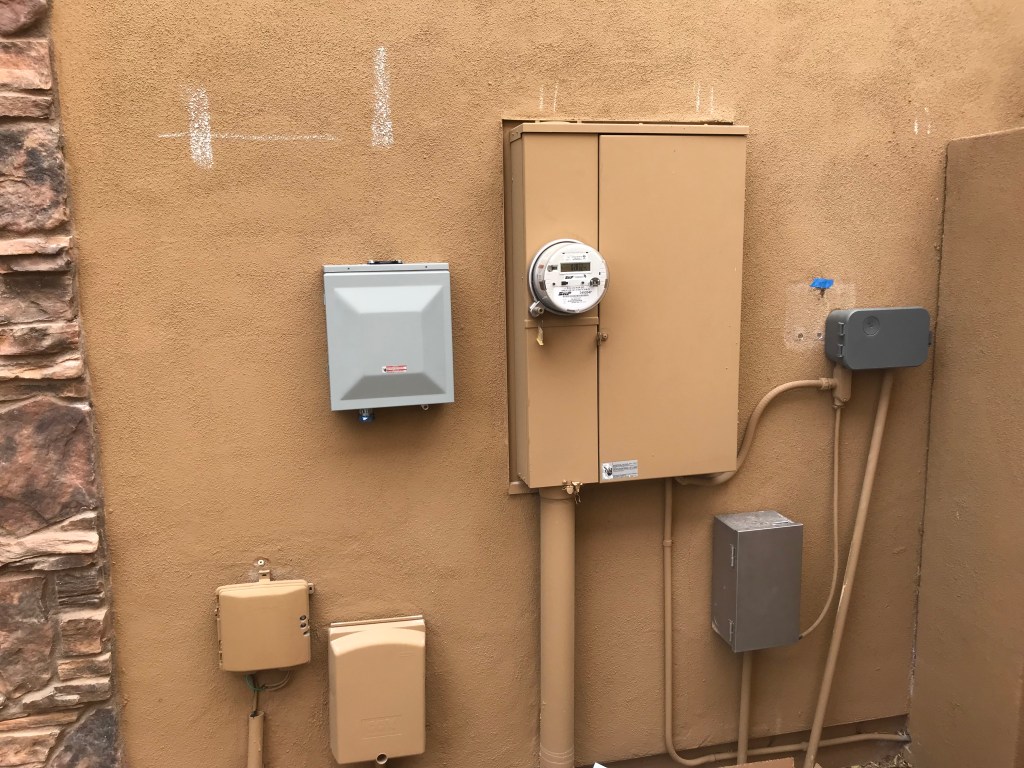
May 6 – Removed sub-panel and moved landscaping controller down to make room
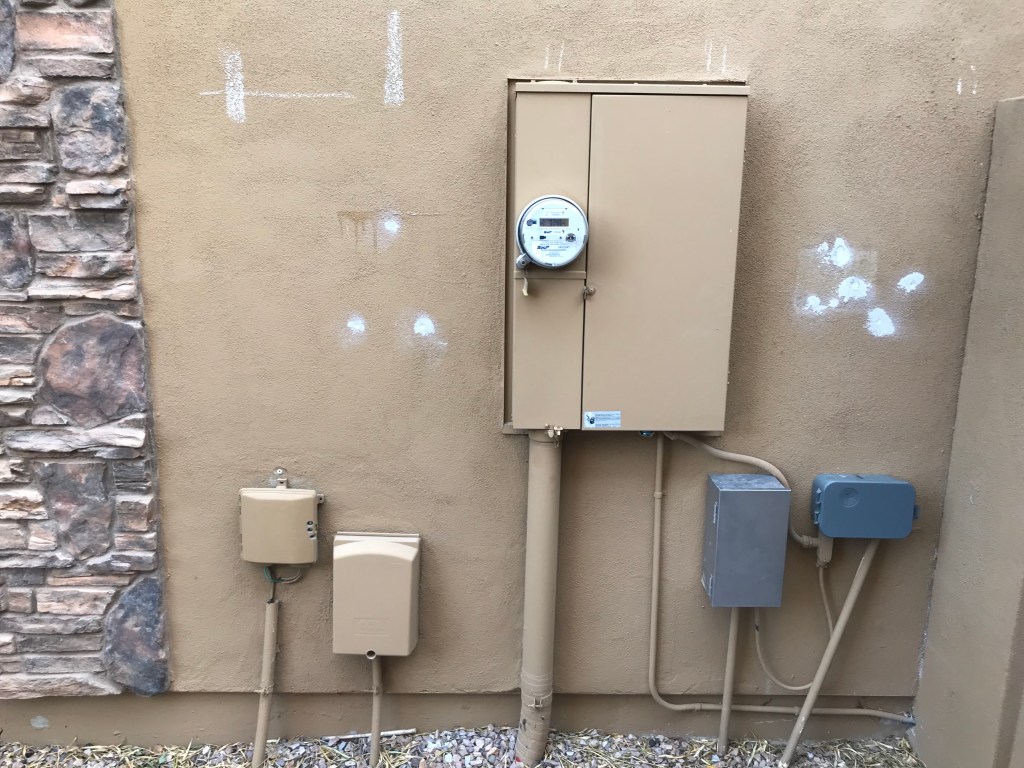
May 9th – SRP 1st attempt to remove meter (couldn’t because no inspector)
This was frustrating as noted above as SRP told me nothing else was needed on the phone, but when the guy came to actually pull it he asked where the inspector was and I was like “Uh, what inspector?” So this was delayed until May 20th as noted below in the timeline.
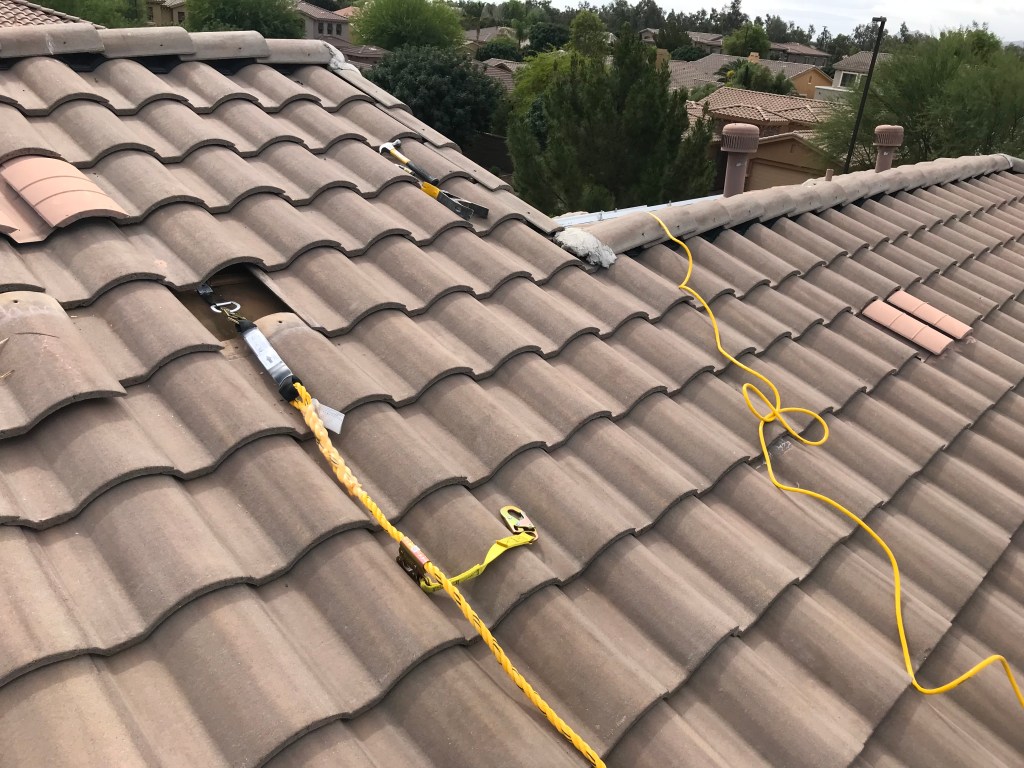
May 10th – Removed all tile locations on East roof and added west-side anchor (tile must be removed to use)
May 10th evening – XPOLogistics Delivery & Unboxing
When the equipment is delivered you have 48hrs I believe to check everything to have the freight hauler cover it. So I spent hours unboxing everything and verifying everything was good. There were 3 of the 14′ rails that were slightly bent, but that didn’t seem worth chasing to have them replaced, as I had a tight install window, and I was sure the replacements would arrive after that window, so I opted to just replace them locally for an additional cost to me to keep to my timeline.
May 11th – Installed mounts on the east side
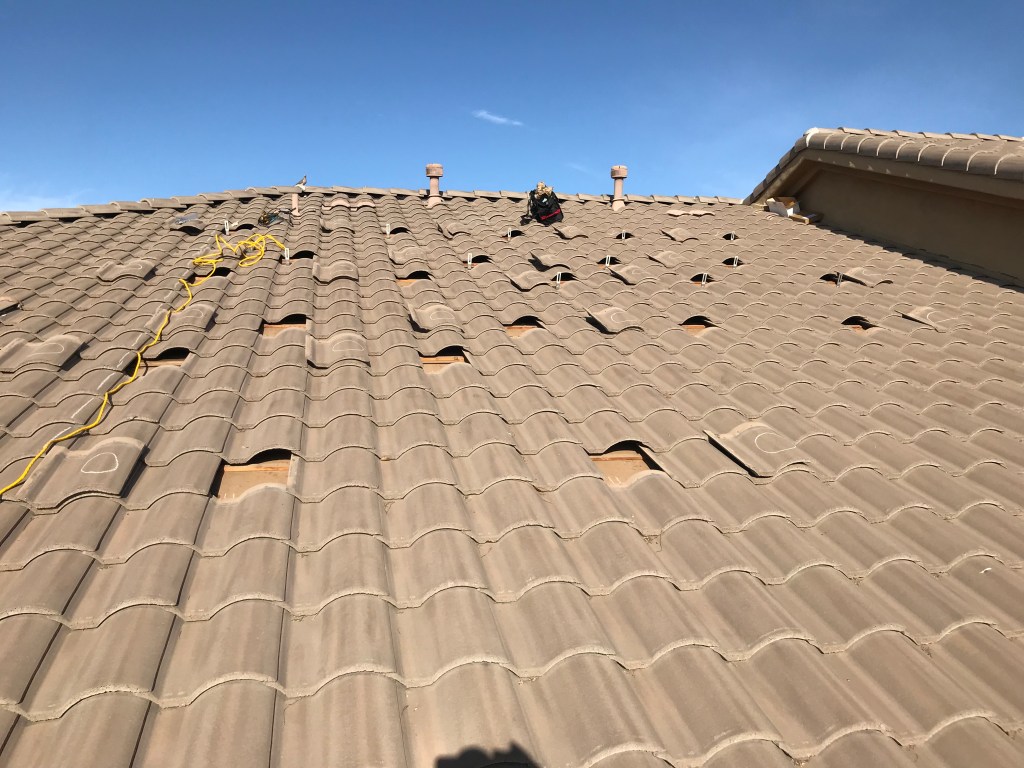
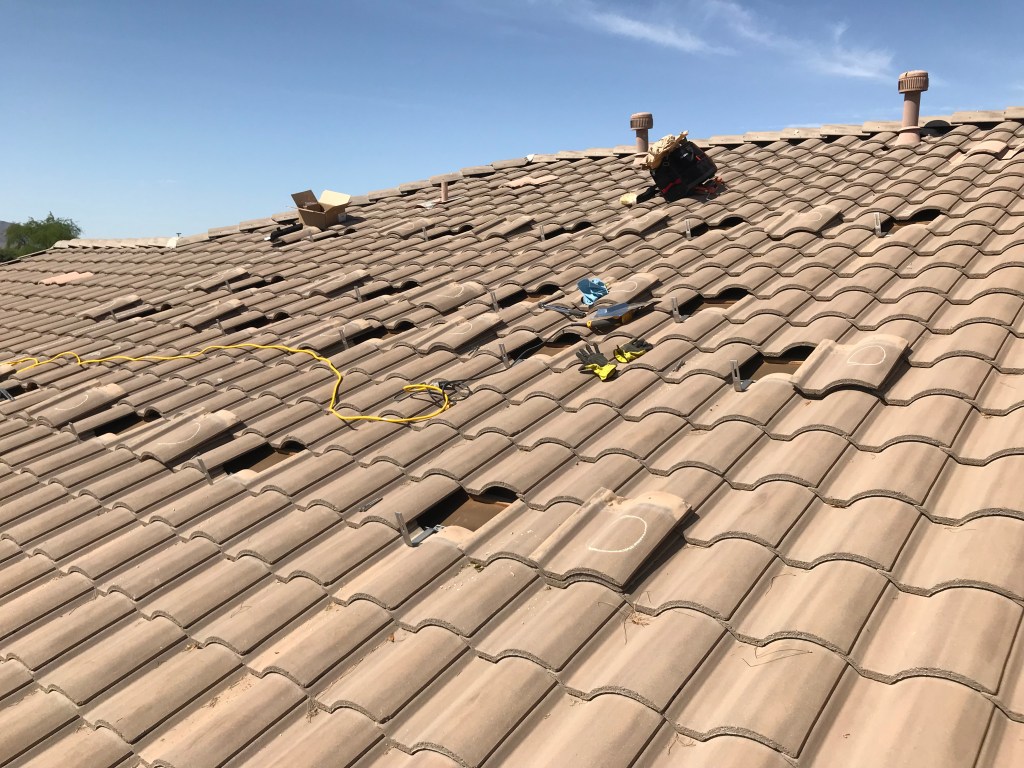
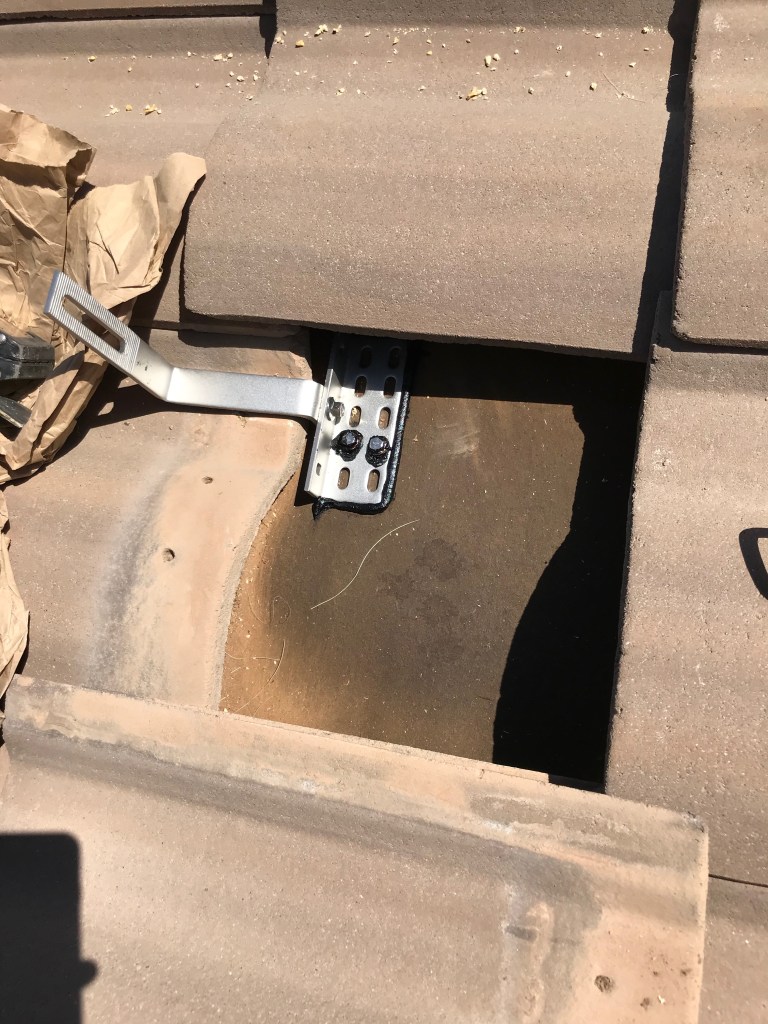
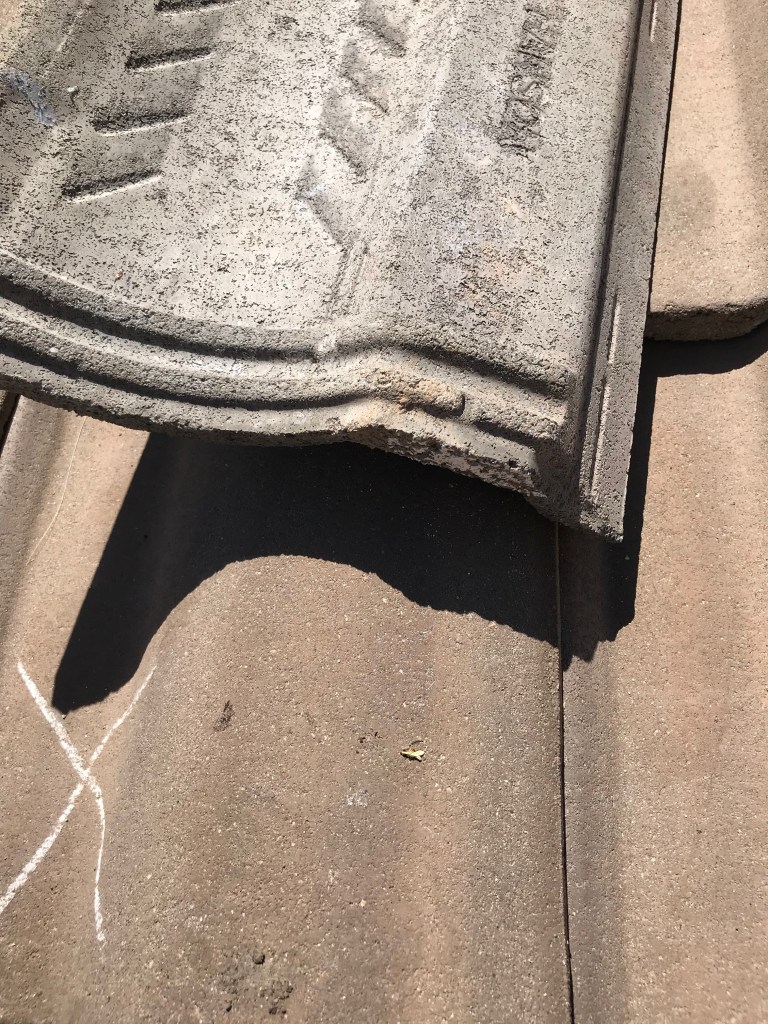
May 20 (Mon) – Meter pulled, new 175amp main breaker installed, meter replaced
May 20 – Got remaining rails on East side
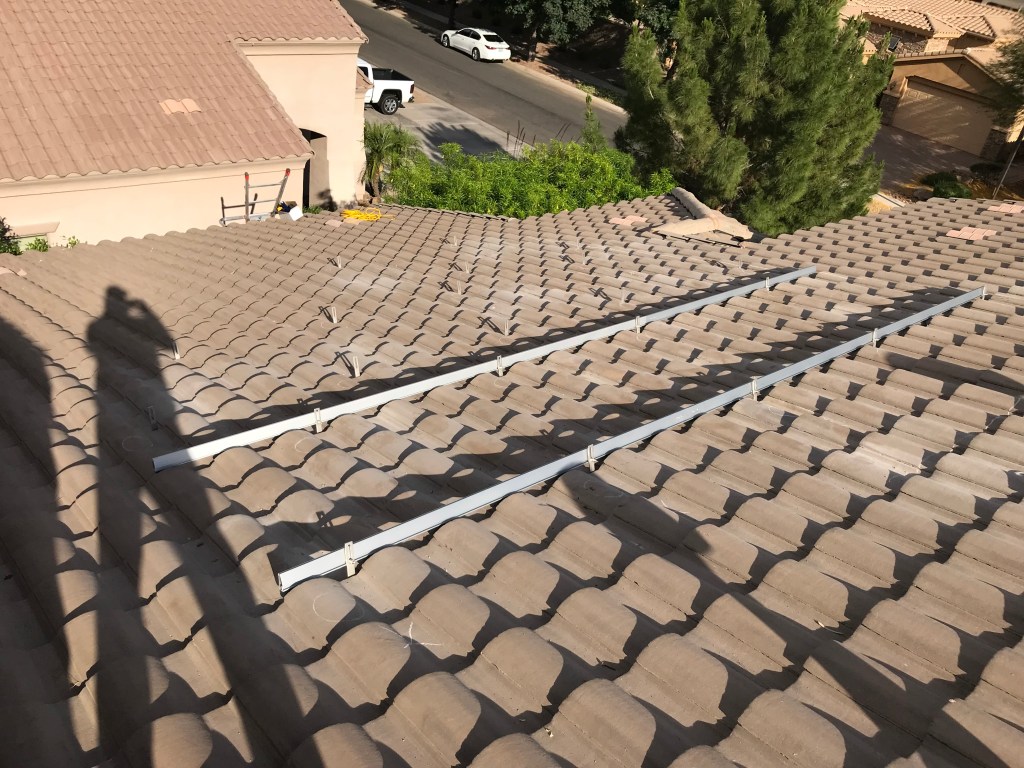
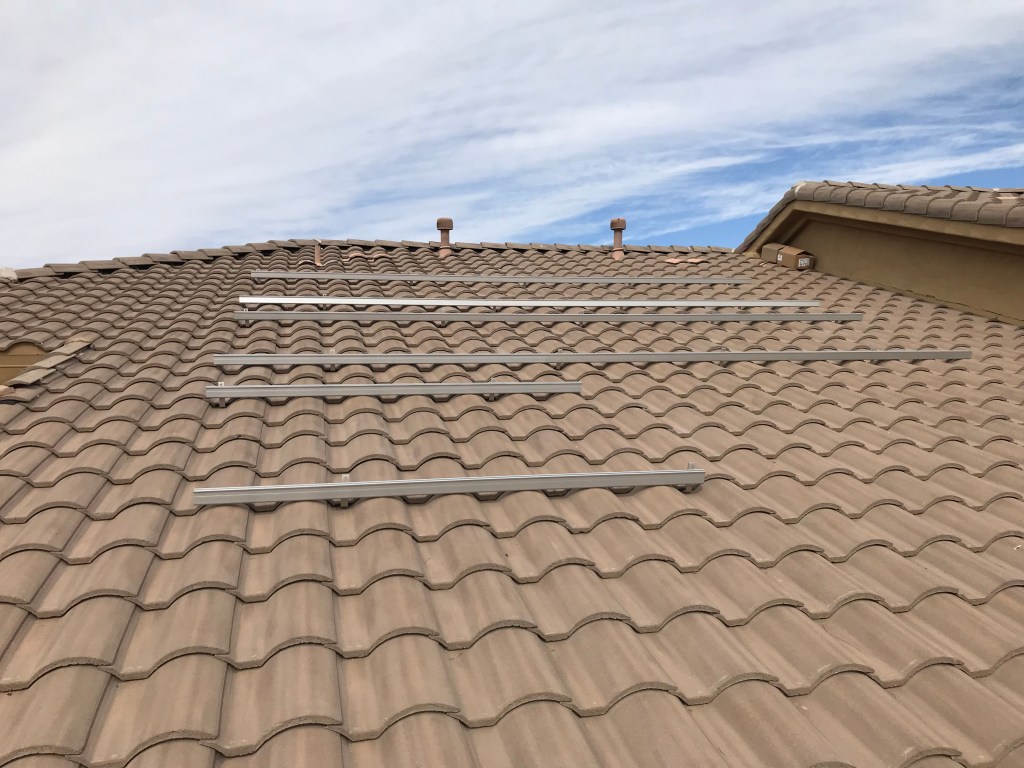
Upon completing the East side, I moved over to the west side, and quickly found out that the tile mounts would not line up with the valleys as they are supposed to. They have a bunch of holes and the arm can move to one extreme side or the other, but it still wasn’t enough to accommodate my tiles, for whatever reason. I had many people tell me they have never seen it, but I tried it every way I could think of and simply did not reach the valley.
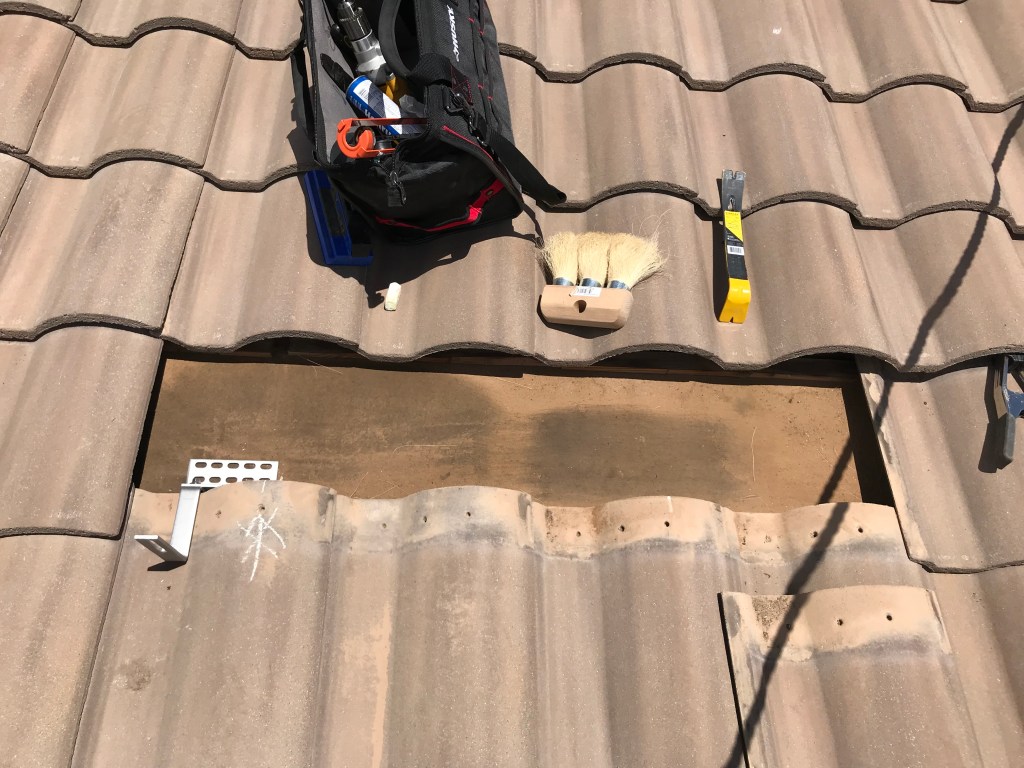
So I then had to call an audible and change the plan for the West roof to use the Iron Ridge Knock Out product of mount points. Instead of installing the mount and then replacing the tile, you completely replace the tile with a custom flashing, and then install a special mount with a single bolt on the underside, and then the actual mount arm is attached to a bolt punched through the flashing. The result is a much easier installation, but it cost nearly $1,000 to get these 45 new mounts and flashing that was I not planning on. Further I was not as thrilled that the KO mounts were 1-2″ closer to the roof than the other mounts were. But as they say, beggars can’t be choosers, and I didn’t have any other options.
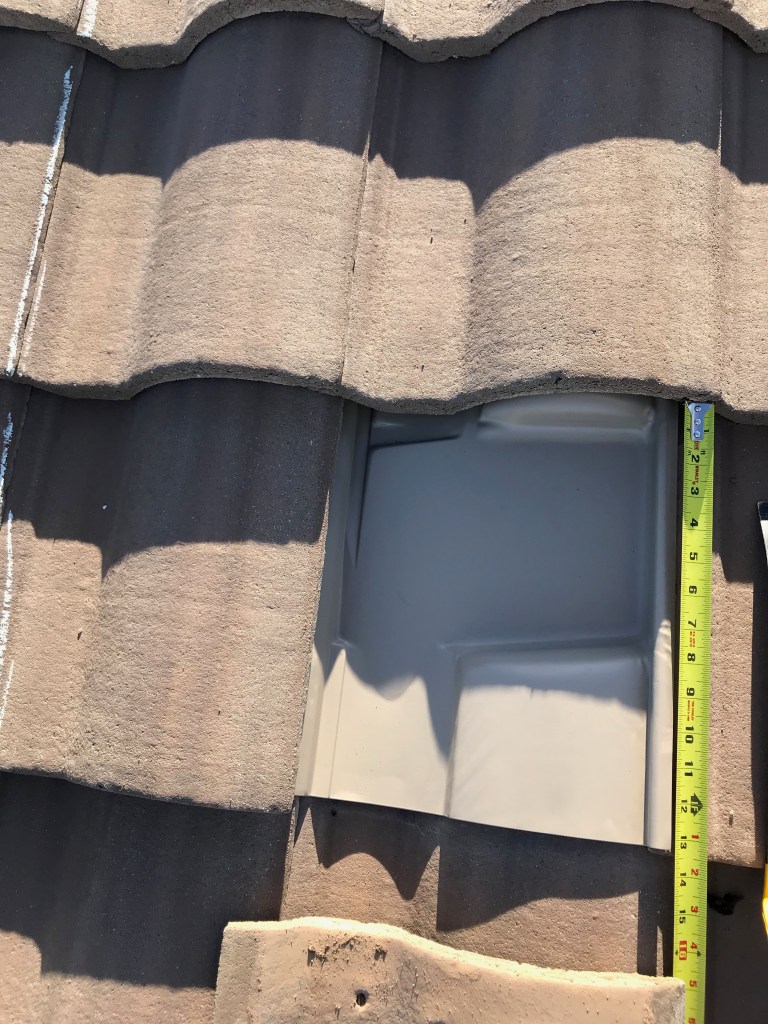
May 20 – Marked all rafter locations on west side, went to PHX to buy the other mounts and screws I was missing
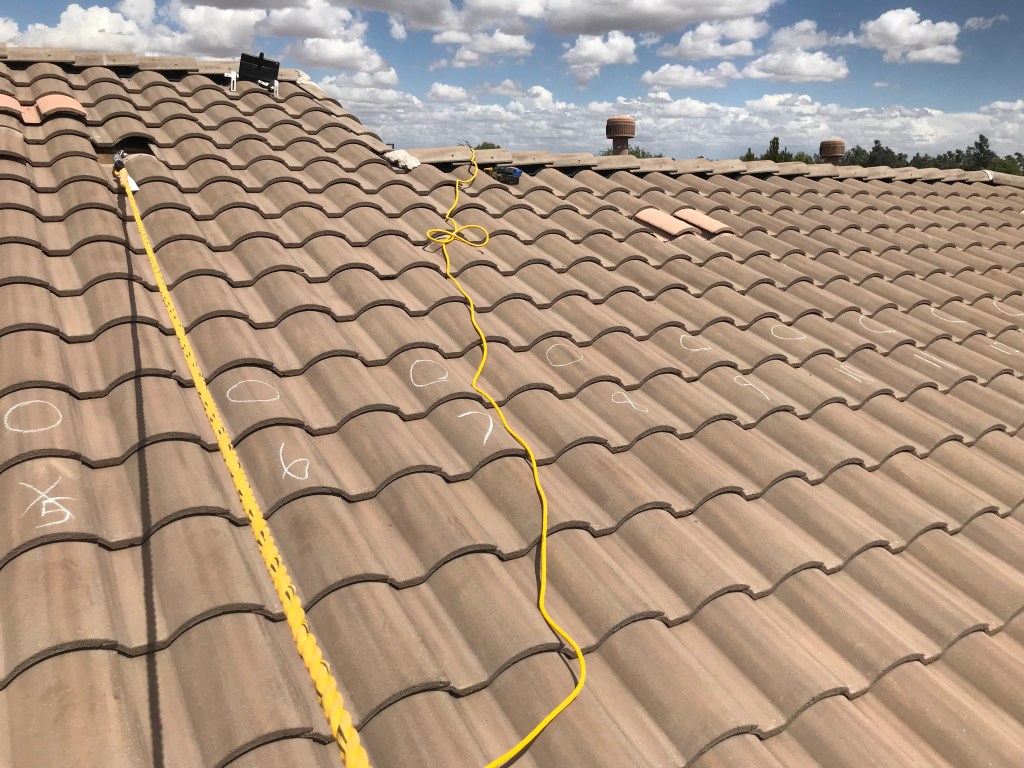
May 21 (Tues) – Installed first 4 mounts, then put the flashing in place for bottom 3 rows, then installed meter and disconnect box on wall, connected to main panel via conduit
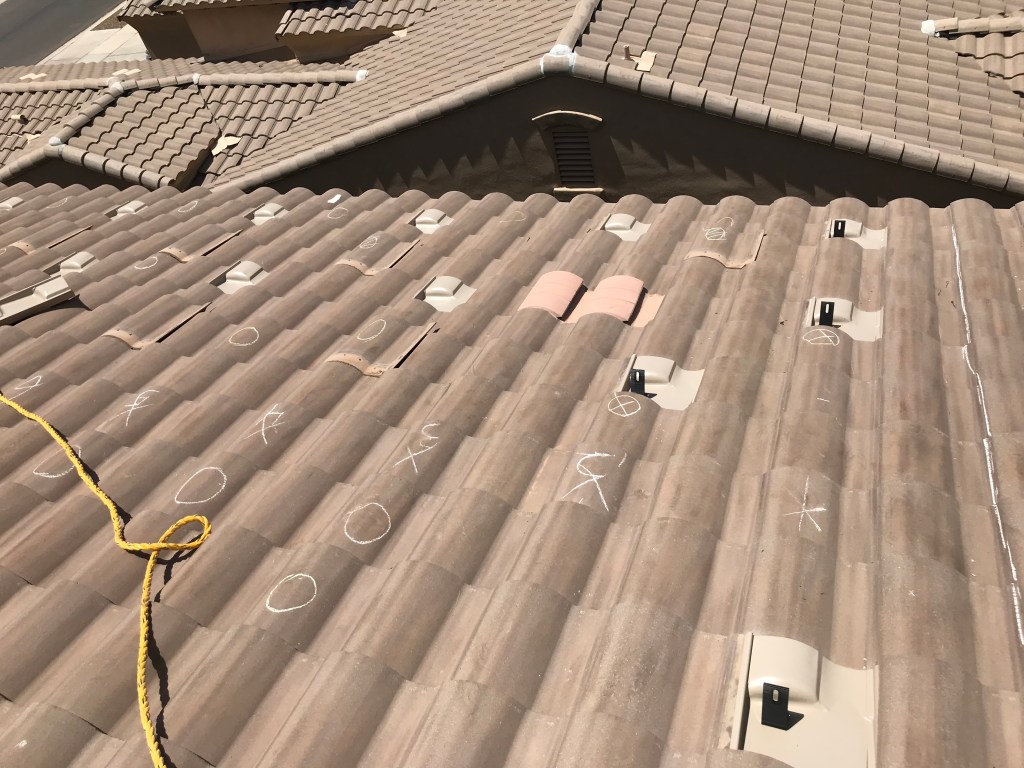
May 22 (Wed) – Finished mount install on West side
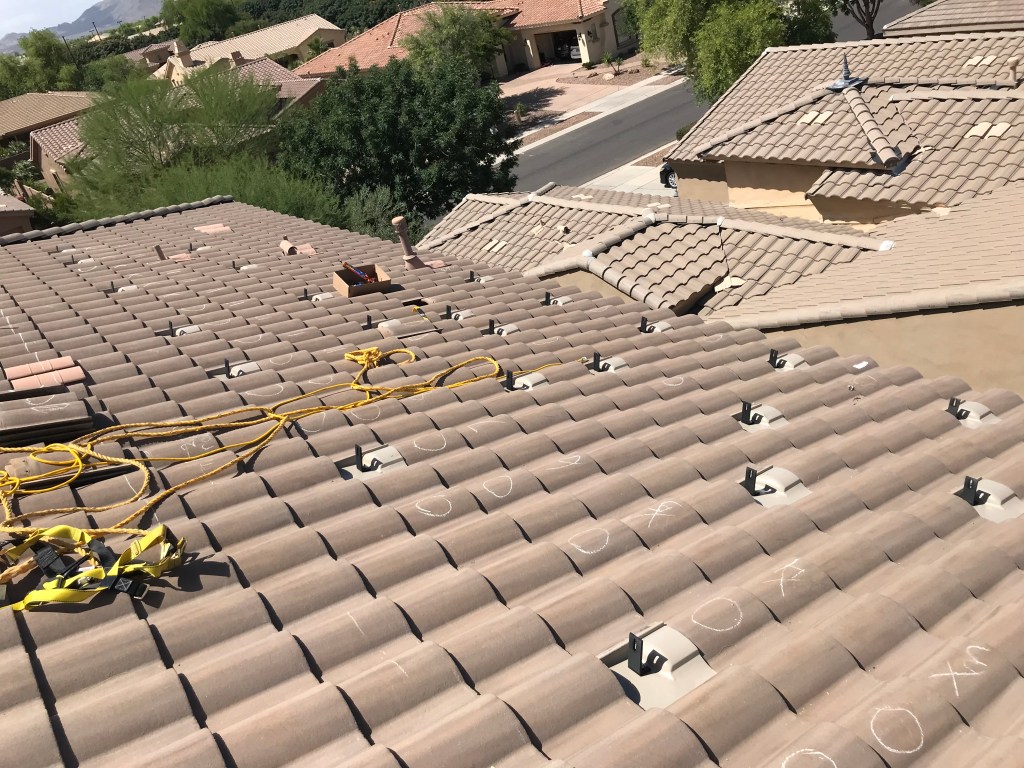
May 22 – Finished raising East side rails to full height
As I worked to level and raise all of the rails, it took some work to not have the rail laying across the top from sliding off all of them. I ended up putting a ball of tape at the top of it so it would catch the top rail and not just slide down the roof. Otherwise most of this went pretty easily, with the exception of a miss on the last rail at the bottom, where I had the length too short, opps.
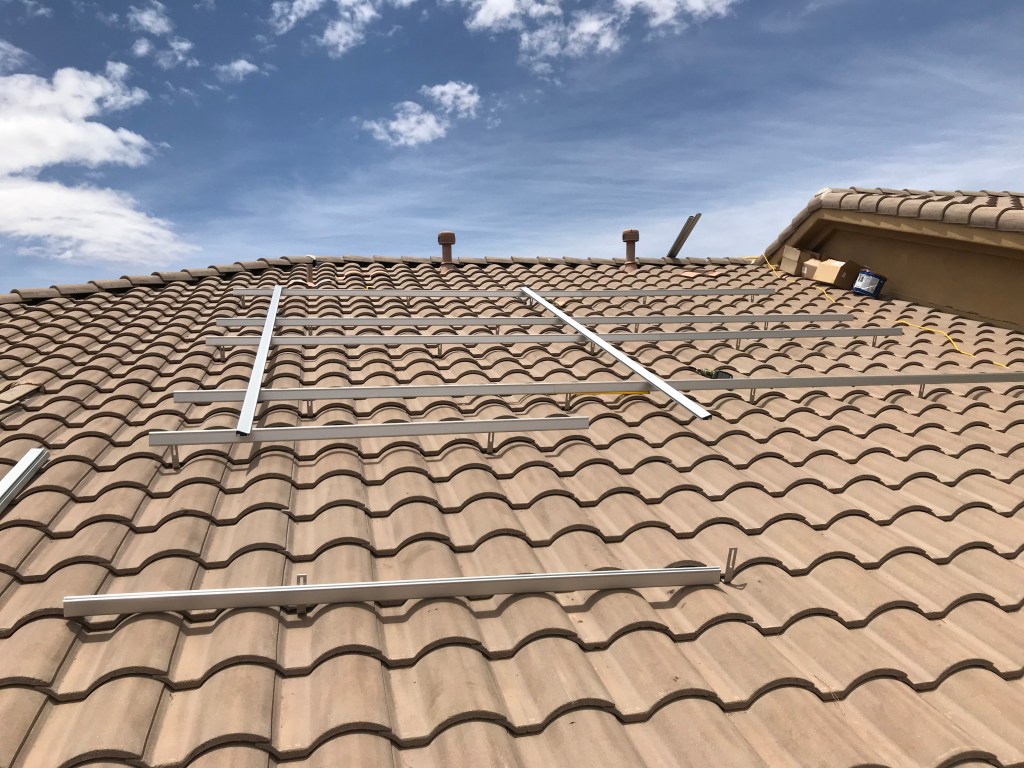
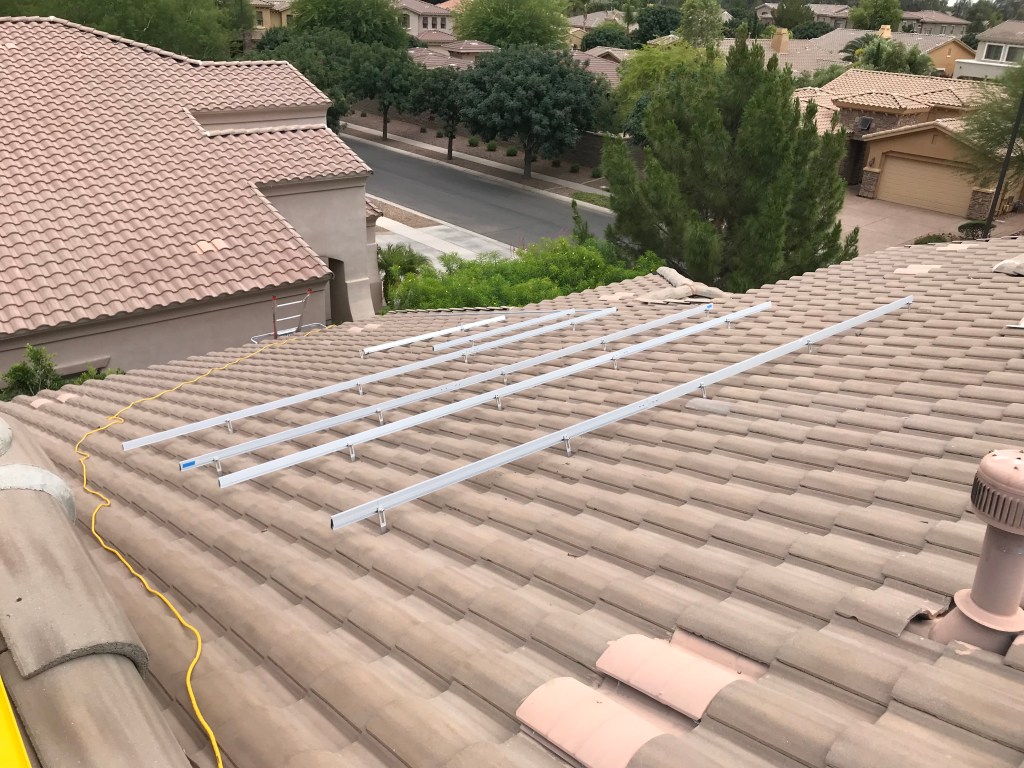
May 22 – Install rails onto the west side
As this West roof drops off with a 24′ drop to the ground, I was super cautious on this one. I had my wife come up for some moral support on this side of the roof, and she had the harness on, so I was super careful to stay behind the rail, so I could grab it if absolutely needed.
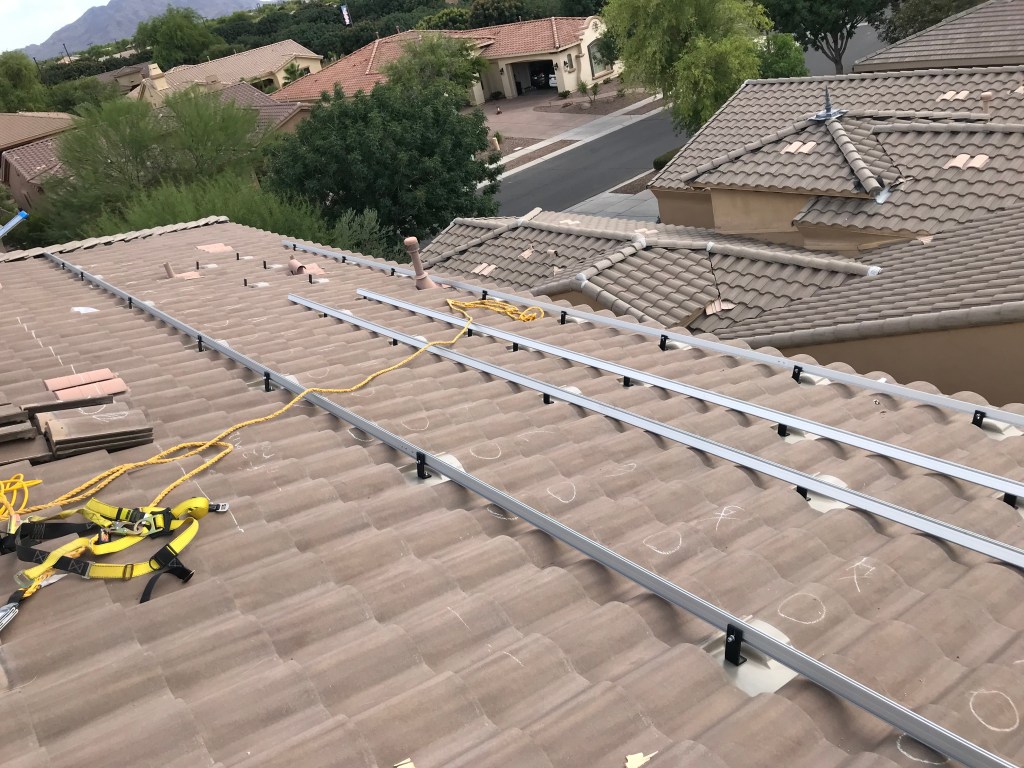
May 23 (Thurs) – Buy misc hardware I needed and installed final rails
For this morning I had to go get additional rails and other bolts and splicing kits to get the final rails installed and completed. I was then able to get this all finished up in the morning. Following this, all the mount and rail work is done!
For more, continue on to: Part III – Install Completed
 Pysan
Pysan 